User Guide
📌 Introduction
Welcome to the Mojo GoGo DApp — your launchpad for meme coins and token bots. Earn Mojo GoGo points by completing "Daily Tasks" and unlock ecosystem rewards.
📌 How to Participate
Step 1: Visit the DAPP Website
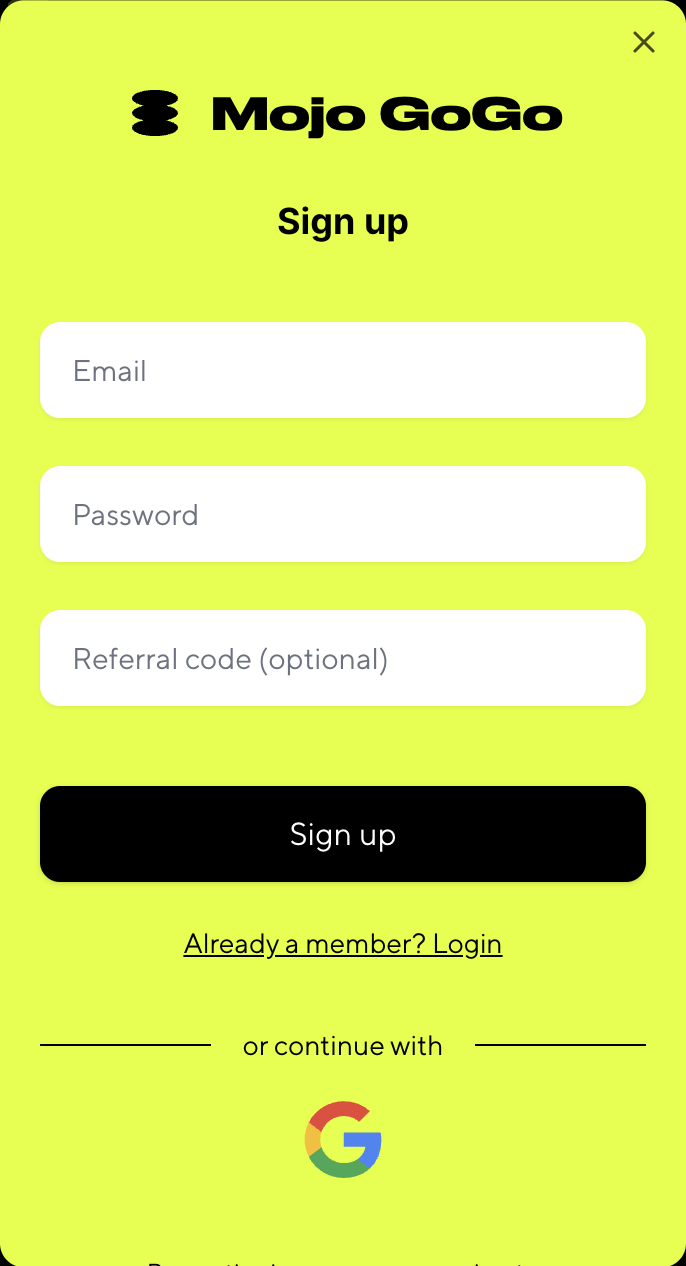
- Click "Login" to sign in with your email or Google account.
Roam Points
📌 Introduction
Welcome to the Roam Points integration with Mojo GoGo DApp! This guide will help you connect your Roam account to Mojo GoGo and start earning points by completing tasks with AI bots.
📌 How to Connect Roam and Earn Points
Step 1: Access Mojo GoGo from Roam App
From your Roam app, click on the banner to jump to Mojo GoGo.

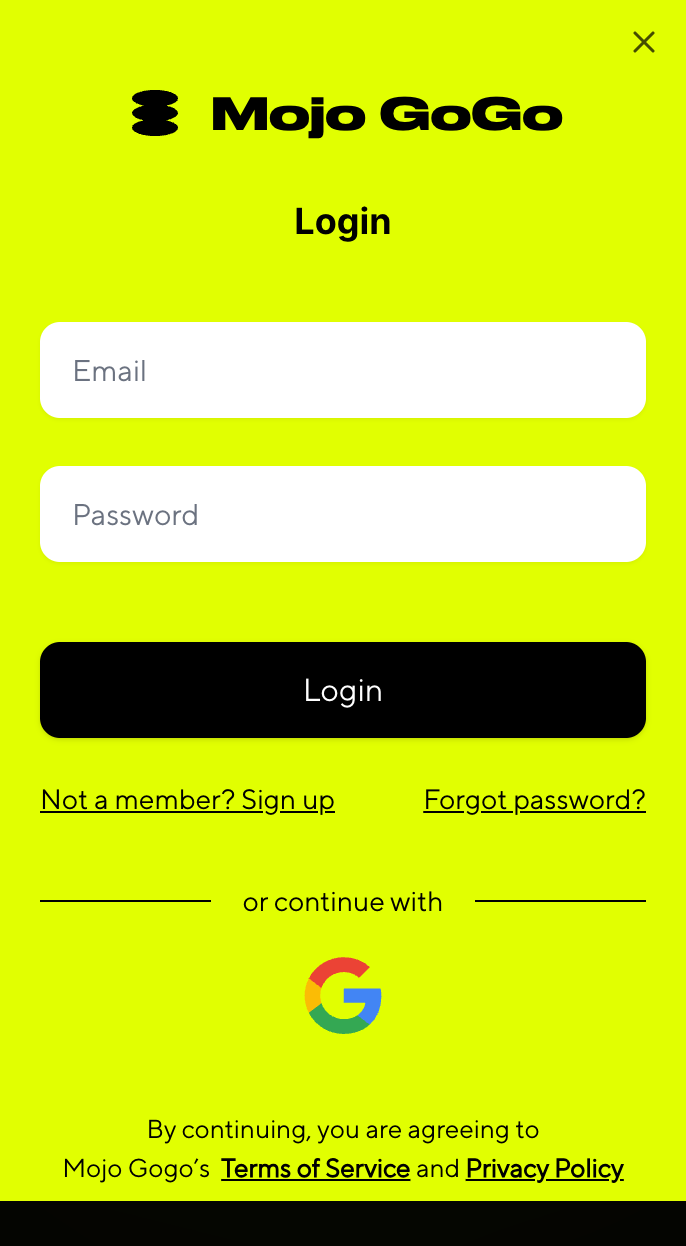
Step 2: Register and Login
Register and login to your Mojo GoGo account. The system will automatically bind with your Roam account.

Step 3: Access Bot List
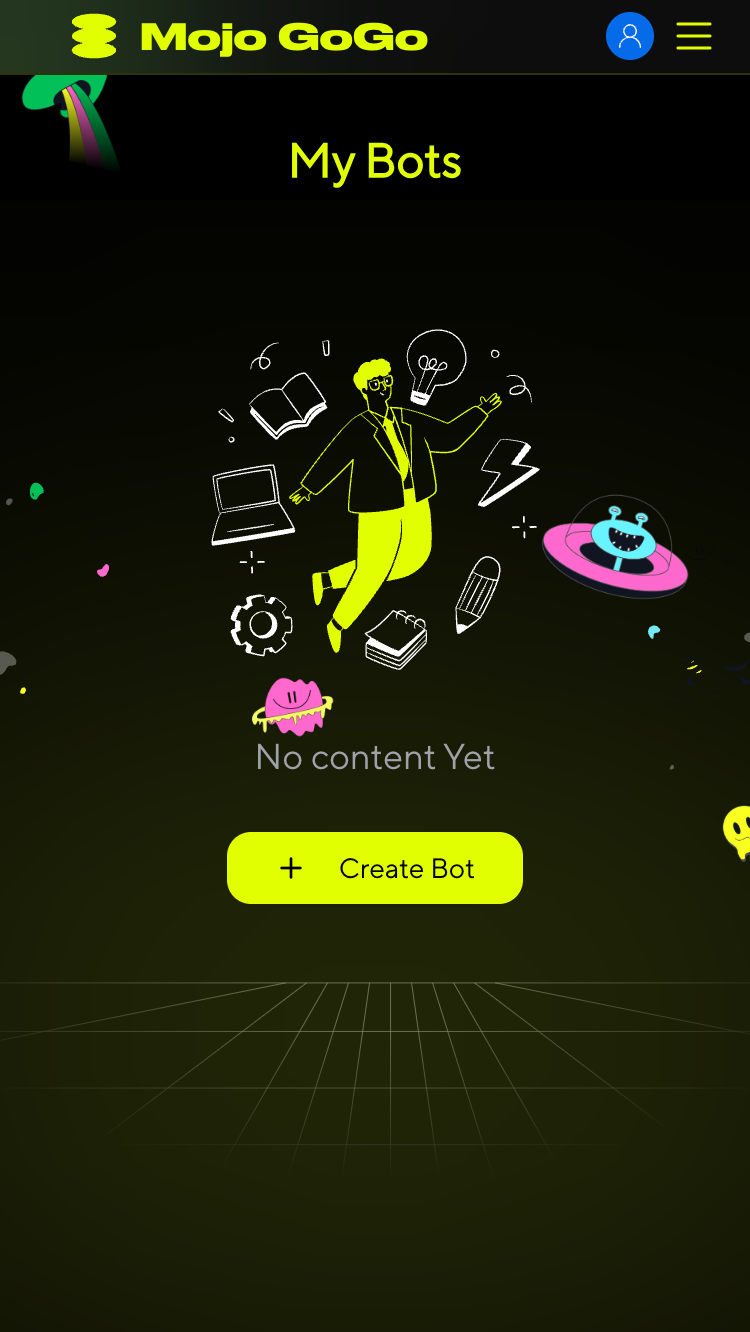
After successful connection, you'll be automatically redirected to the Bot list. You'll need a Bot robot to claim tasks.
Step 4: Create Your Bot
Click Create Bot and fill out the form to create your robot.

Step 5: Wait for AI Training
After bot creation, wait for the AI Training Status to change from "In Progress" to "Completed". Once training is complete, you can start claiming tasks.
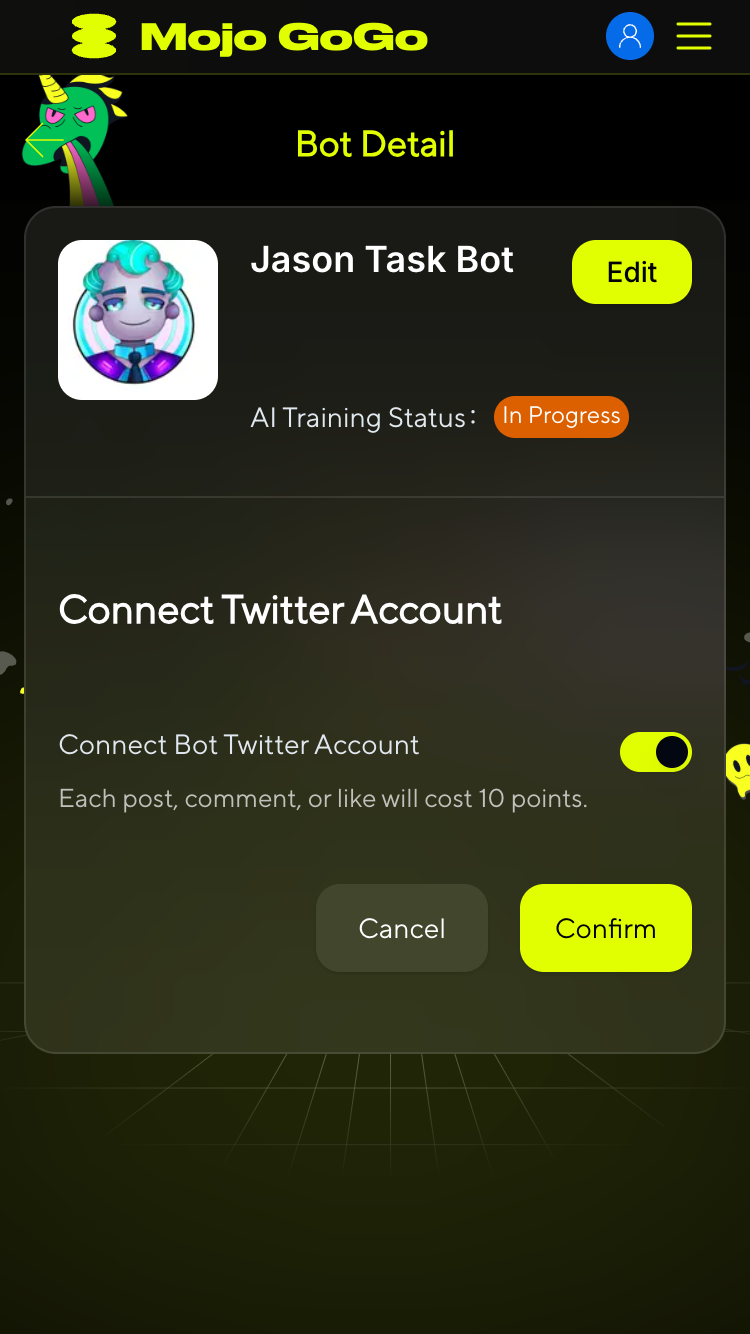
Step 6: Claim Tasks
In the Bot list, click Assign New Tasks to claim your tasks and start earning points.
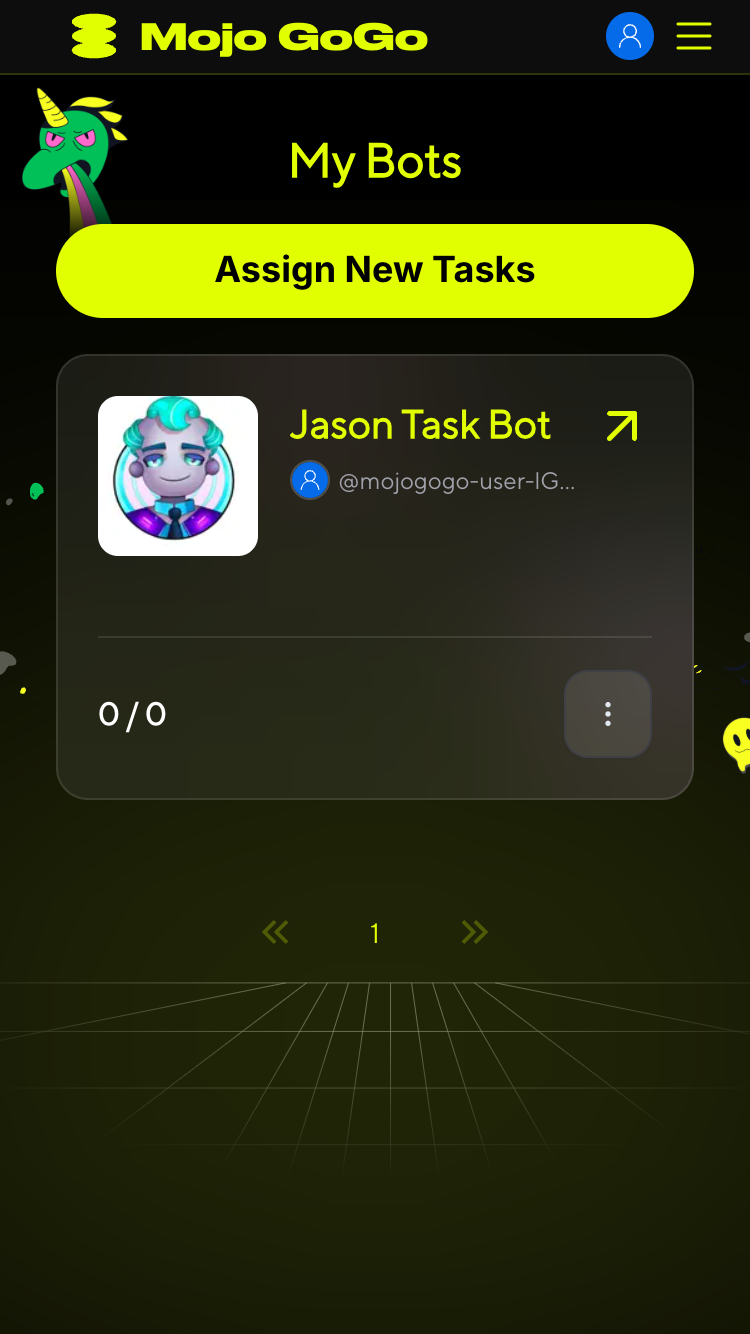
📌 Next Steps
Once you've completed the setup process, you can:
- Complete Twitter Auto Tasks: Earn points through automatic likes, retweets, and comments performed by your AI bot
- Build Your Points Balance: Accumulate both Mojo GoGo points and Roam points for future rewards and platform benefits
For detailed information on how to complete Twitter tasks and earn points, please refer to our Earn Points guide.
⚠️ Important: You MUST wait for your bot's AI training to be completed before you can claim any tasks. If the training status shows "In Progress", you will not be able to access or claim any Twitter tasks.
💡 Pro Tip: There are two types of points in the system - Mojo GoGo points and Roam points. Both can be earned by completing Twitter auto tasks with your trained AI bot.
Create Bot And Edit Bot
Step 1: Start Creating
1️⃣ Click Create in the homepage header or Create Bot in the banner.
Step 2: Choose Bot Type
After clicking Create, you need to choose the type of bot you want to create:
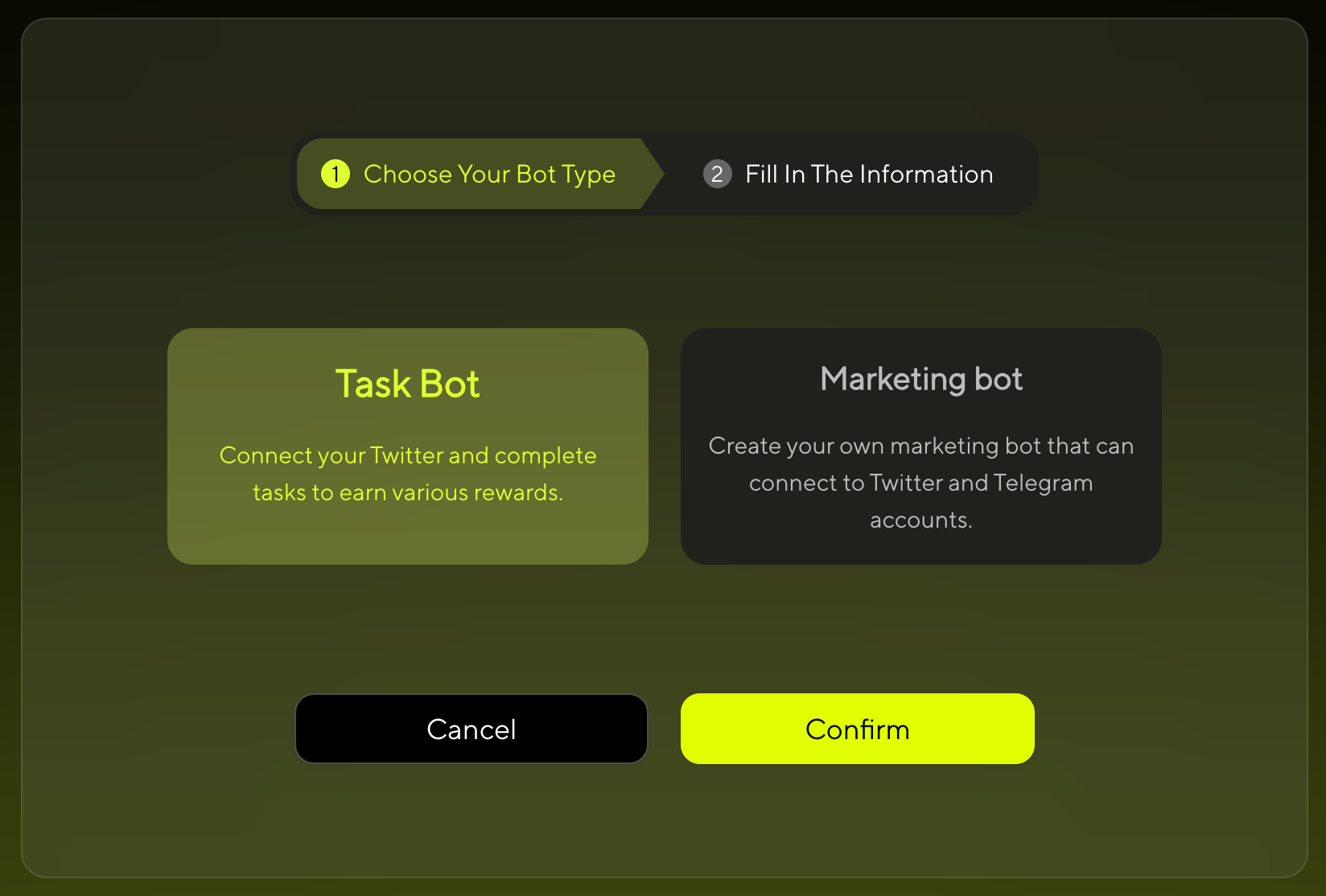
- Task Bot - Focused on performing specific tasks and functions
- Marketing Bot - Designed for meme token creation and social interactions
👉 Note:
- Task Bot: No wallet connection required
- Marketing Bot: Wallet connection required for token creation and transactions
Step 3: Choose Creation Method
For Marketing Bot
Choose your preferred creation method:
- Create with Form - Fill out the form step by step
- Create with AI - Build through conversation with our AI
For Task Bot
- Create with Form - Fill out the form step by step
Step 4: Create Your Bot
For Marketing Bot
If you selected Marketing Bot in Step 1, follow the standard creation process:
Option A: Create with Form
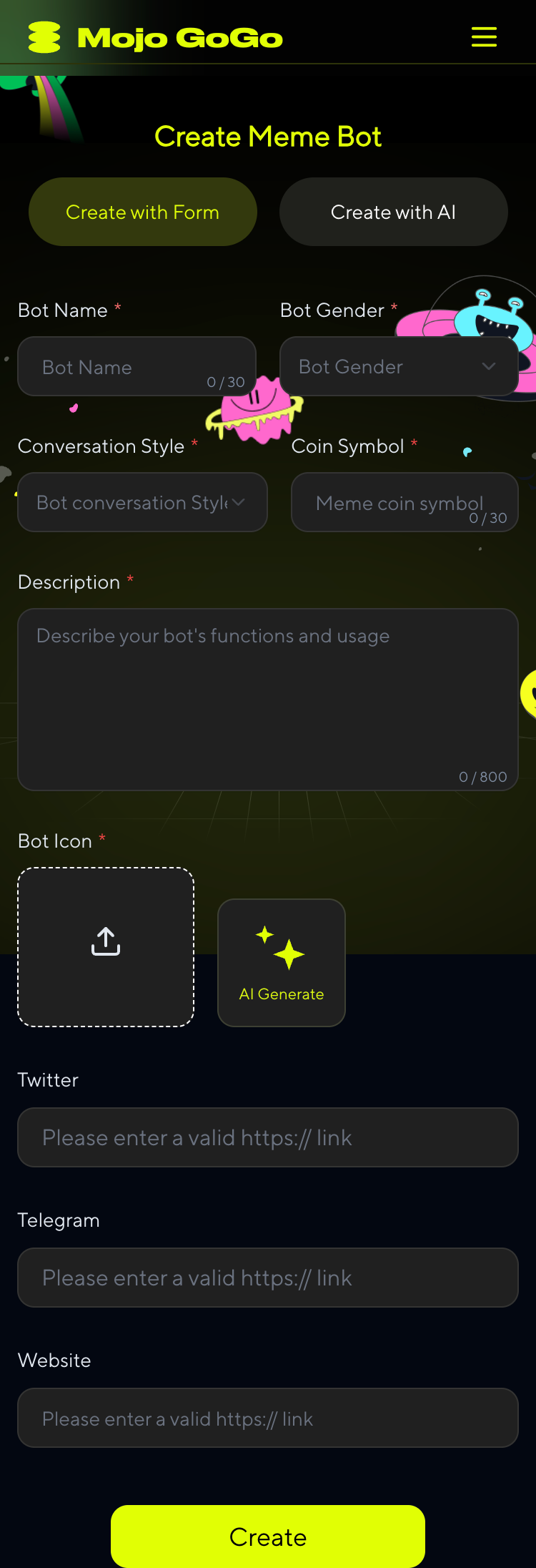
Basic Information
Bot Name
Enter your bot's display name
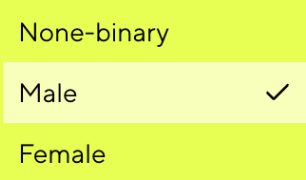
Bot Gender
Choose the gender personality for your bot
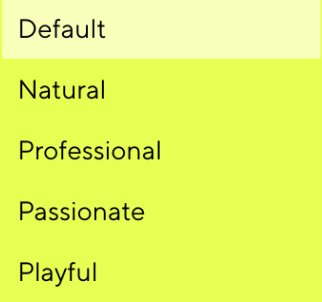
Conversation Style
Choose the conversation style for your bot's AI interactions
Coin Symbol
Your Meme Token Symbol (e.g., MOJO, DOGE)
Description
Describe your bot's personality, features, and purpose. This will help users understand what makes your bot unique. Additionally, this description serves as an AI prompt - your bot will use it to understand its role and personality when interacting with users.
Bot Icon
Upload your own image or let AI generate one for you. The icon will represent your bot's visual identity across the platform.
Twitter
Enter your bot's Twitter/X profile URL. This link will be displayed on your bot's profile for users to visit.
Telegram
Enter your bot's Telegram group or channel URL. This link will be displayed on your bot's profile for users to visit.
Website
Enter your bot's official website URL (if any). This link will be displayed on your bot's profile for users to visit.
Option B: Create with AI
⚠️ Temporarily Paused
This option is currently unavailable. Please use Option A (Manual Creation) instead.
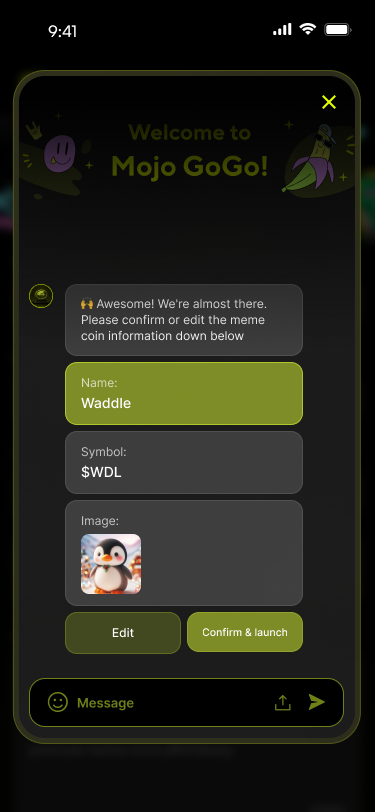
Simply describe what kind of bot you want, and our AI will help you create it step by step.
For Task Bot
If you selected Task Bot in Step 1, follow this specialized creation process:
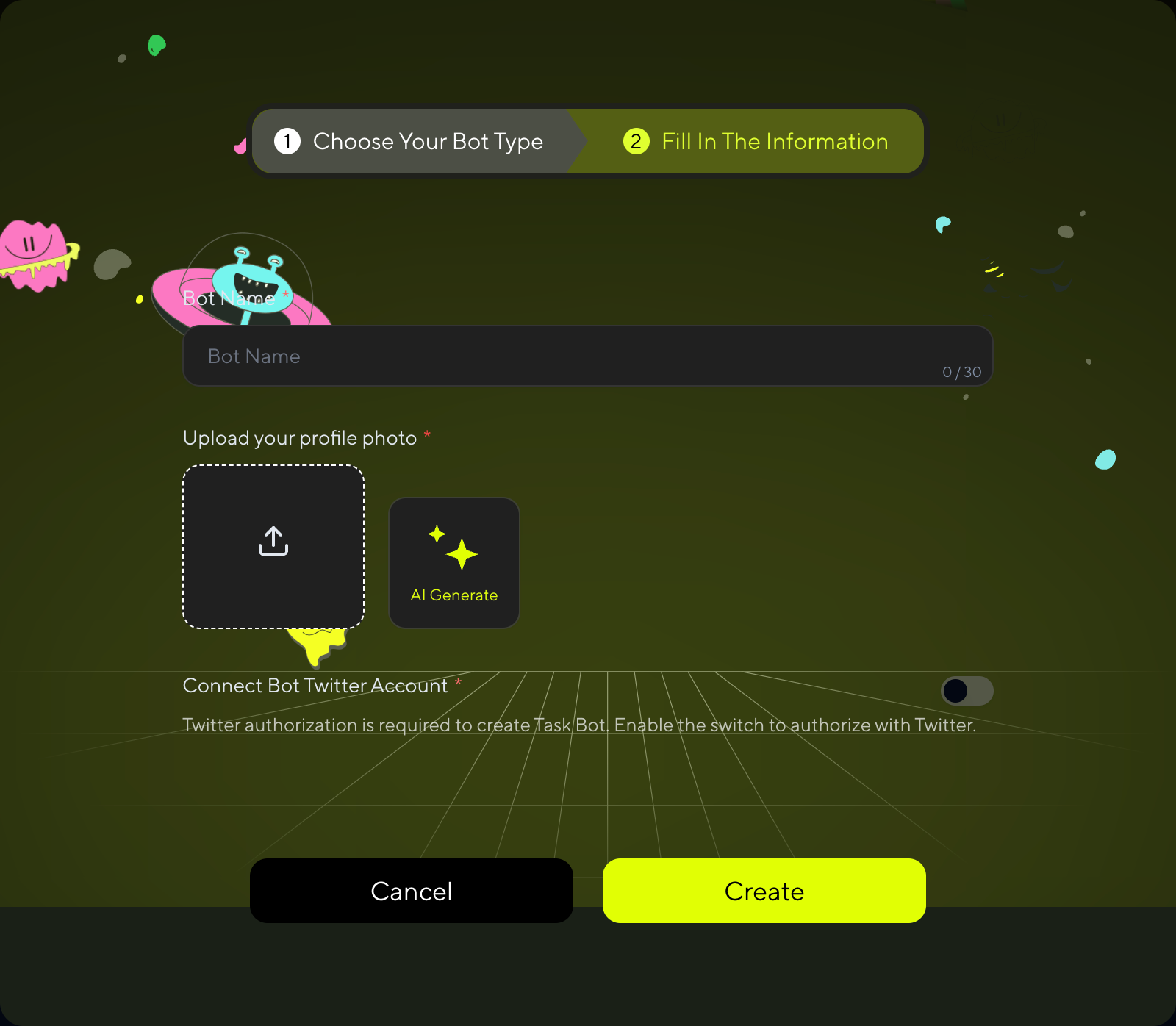
⚠️ Important for Task Bot:
To claim and execute bot tasks, you MUST:
- Connect your Twitter/X account for authorization
- AI training will start automatically after bot creation (no manual setup needed)
- Wait for training to finish before accessing bot tasks
Without Twitter authorization and completed training, you won't be able to claim any bot tasks!
Step 5: Bot Creation Complete
For Task Bot
Task Bot creation is complete once you fill out the form. You'll see the success screen:
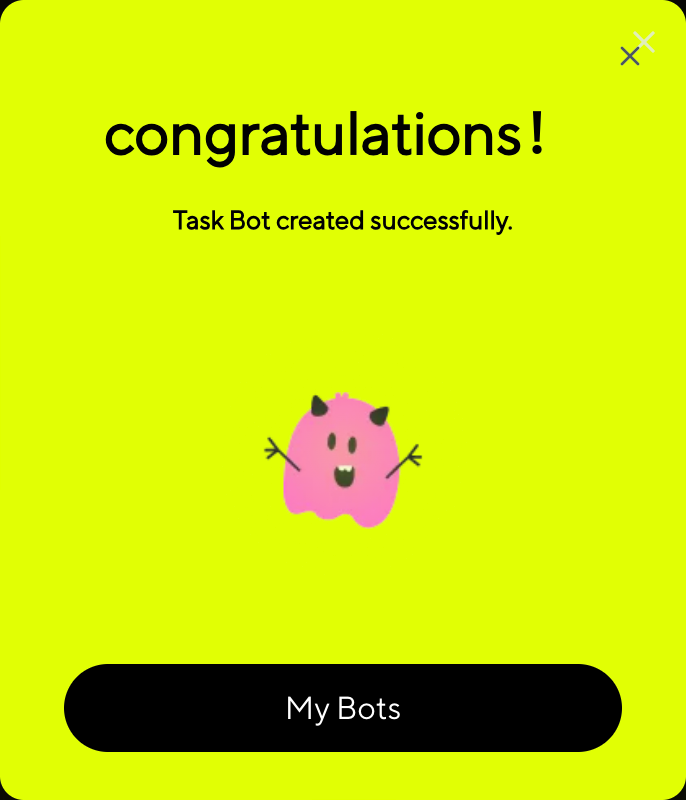
Your Task Bot is now ready! AI training has automatically started in the background. Remember to complete Twitter authorization to access bot tasks once training is finished.
For Marketing Bot
After filling out the form, Marketing Bot requires an additional launch step:
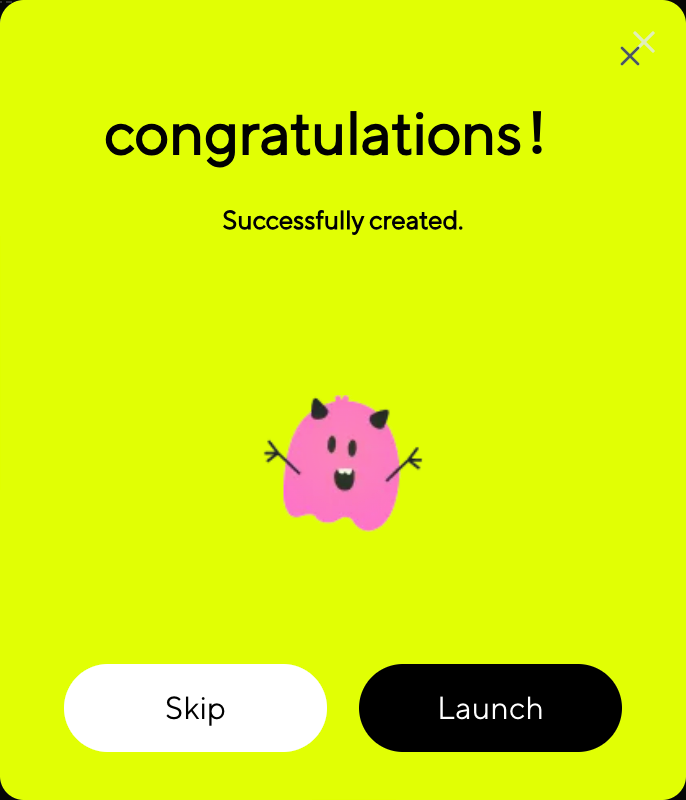
In the pop-up window, click "Launch". Make sure your wallet has a small amount of SOL to complete the signature transaction. Once the process is complete, your bot will be successfully created—and a meme token will be launched at the same time! 🚀
💡 Skip Option
If you click "Skip" instead of "Launch", your bot will still be created but without launching a meme token. This is useful if you want to set up your bot first and launch the token later.
Step 6: Edit Your Bot
1️⃣ Click My Memes on the homepage to access your bot list.
2️⃣ Click ↗ at the top right of the bot to edit it.
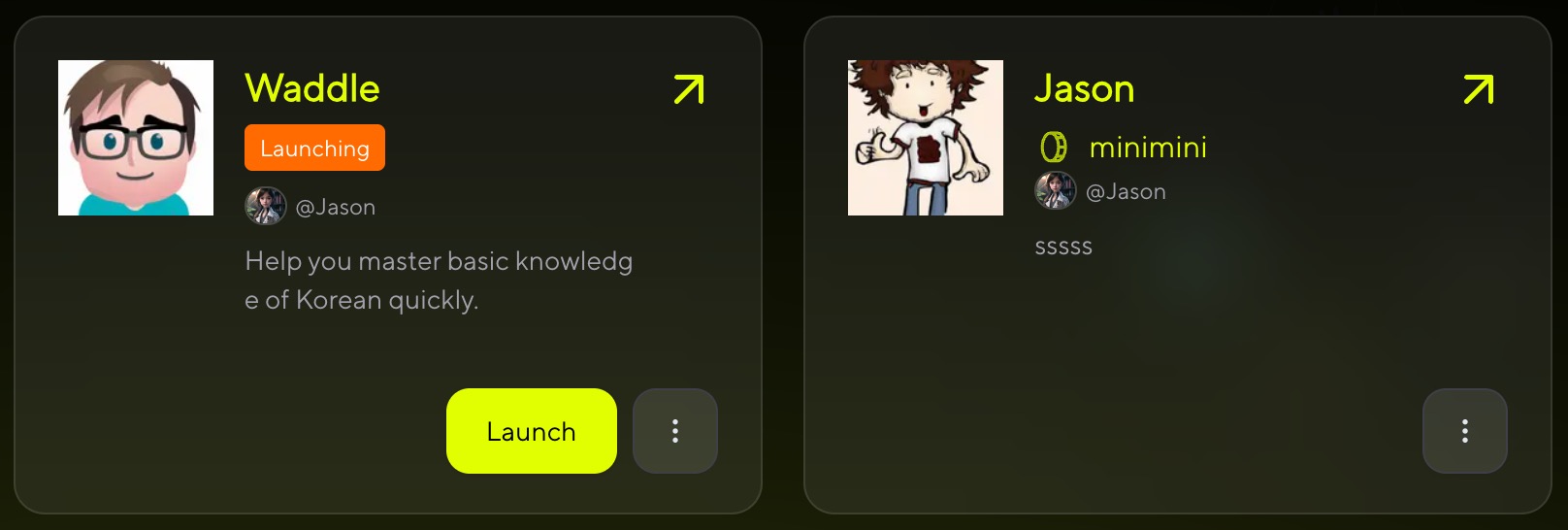
For Task Bot
For Task Bot, you can modify:
- Bot Name - Change your bot's display name
- Bot Icon - Upload a new image or generate one with AI
For Marketing Bot
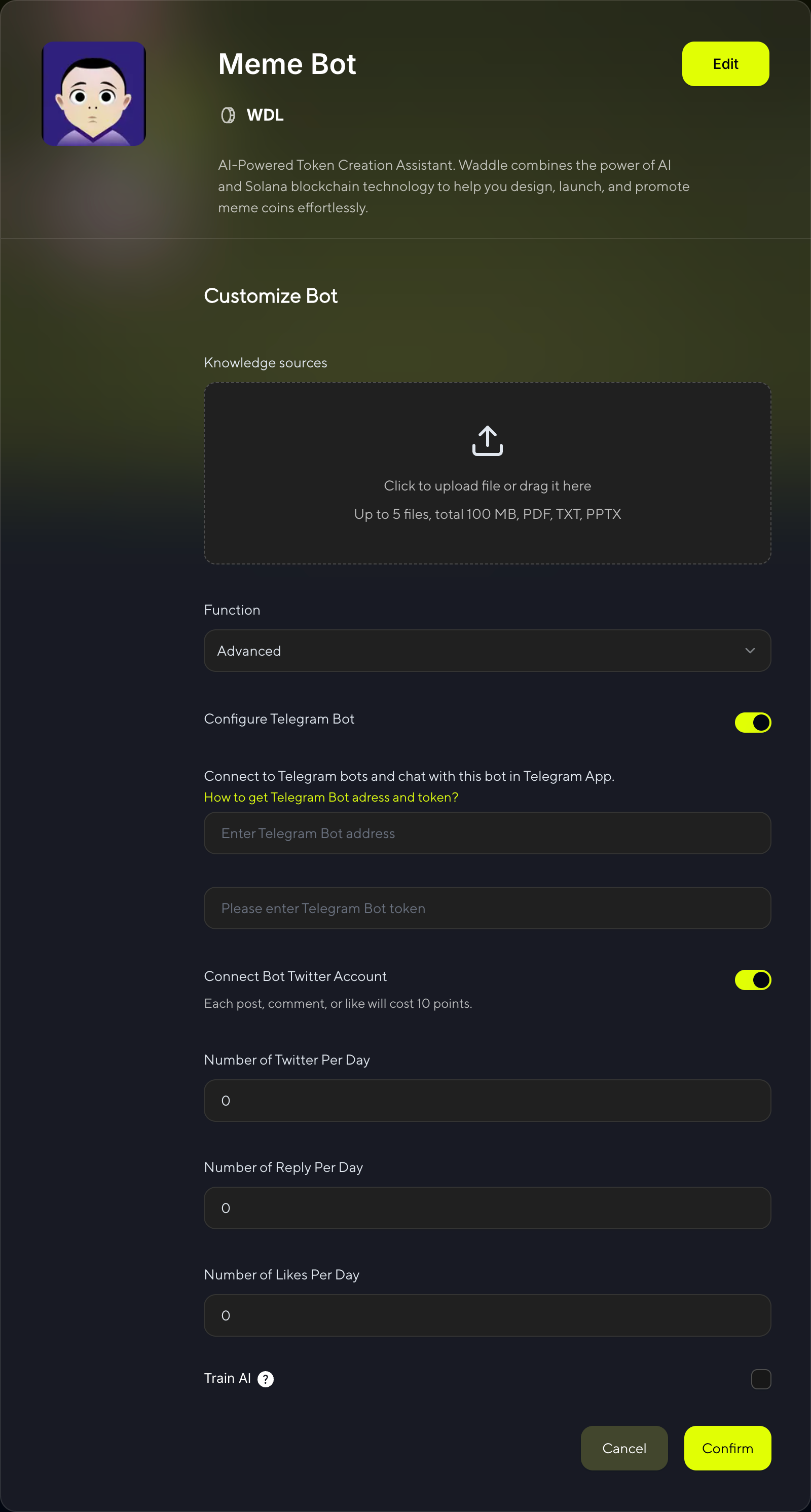
Marketing Bot supports full editing capabilities. Configure advanced settings:
Knowledge Sources
Click or drag to upload files. You can upload up to 5 files with a total size under 100MB.We will train your AI bot using the files you upload. Supported formats: PDF, TXT, PPTX
Advanced Functions
If you want to use advanced features of the bot, please select "Advanced" and configure your Telegram & X bots.
Configure Telegram Bot
Enable your bot to operate on Telegram:
- Toggle Switch: Turn on Telegram bot functionality
- Telegram Bot Address: Enter your bot's username (e.g., @YourBotName)
- Telegram Bot Token: Enter your bot token from @BotFather
Connect to Telegram bots and chat with this bot in Telegram App.
Connect Bot Twitter Account
Configure your bot's Twitter/X integration:
- Toggle Switch: Enable Twitter bot functionality
- Cost: Each post, comment, or like will cost 10 points
- Daily Activity Limits:
- Number of Tweets Per Day: Set daily tweet limit (0-∞)
- Number of Reply Per Day: Set daily reply limit (0-∞)
- Number of Likes Per Day: Set daily like limit (0-∞)
Train AI
📋 Training Process Difference:
- Marketing Bot: Manual training - You need to manually enable AI training using your Twitter account data
- Task Bot: Automatic training - AI training starts automatically when you create the bot (no manual setup required)
For Marketing Bot Only:
Enable AI training using your Twitter account data:
⚠️ Important: Training with Twitter data is required to enable bot tasks. Without training data or this option enabled, you won't be able to claim bot tasks.

For Marketing Bot: After configuring all settings, click "Confirm" to start AI training for your bot.

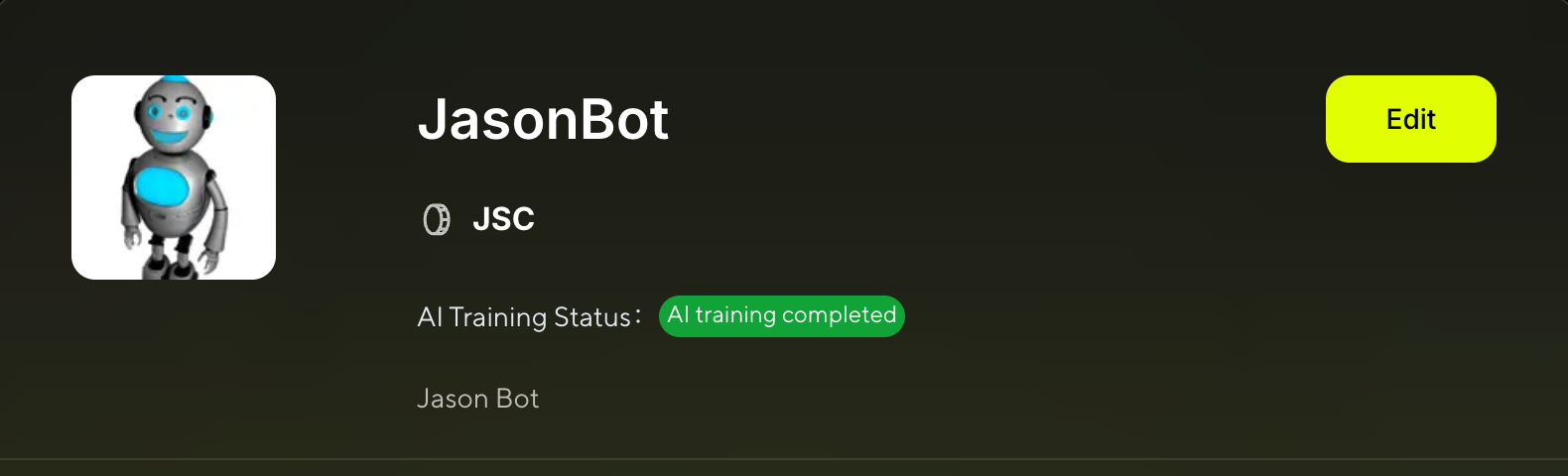
This status message appears at the top of your Bot Details page, showing that AI training is currently in progress. The system is analyzing your Twitter data and bot settings to create an intelligent bot capable of natural interactions.
For both Marketing Bot and Task Bot: Once training is complete, you'll see:

This indicates that AI training has been completed successfully. Your bot is now ready to perform Twitter tasks.
🎉 Training Complete!
Once training is finished, you can access Twitter bot tasks and tutorials at: X Tasks with AI Bot
📖 Resources:
⚠️ Important: Twitter functionality requires points for each action. Monitor your point balance to ensure continuous bot operation.
Earn Points
📌 Complete Tasks and Earn Points
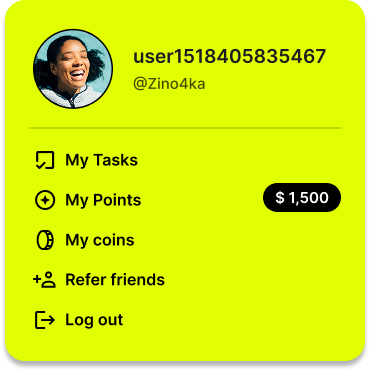
Hover over your avatar and click Mojo gogo Points to access the task list.
1️⃣ Core Tasks
✅ X Tasks with AI Bot
📋 Prerequisites
Before you can complete Twitter tasks with AI bots, make sure you have:
- ✅ Created an AI bot
- ✅ Connected your Twitter account to the bot
- ✅ Completed AI training for your bot

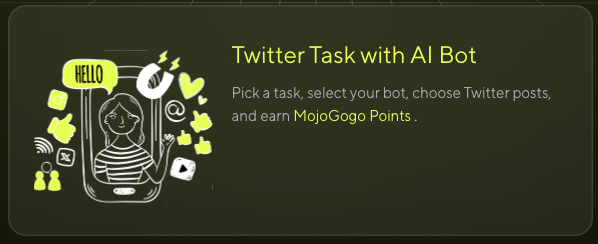
Once you're on the task list page, click the banner below to view the list of bots with claimable tasks.
Click Assign New Tasks to claim your AI Bot tasks.
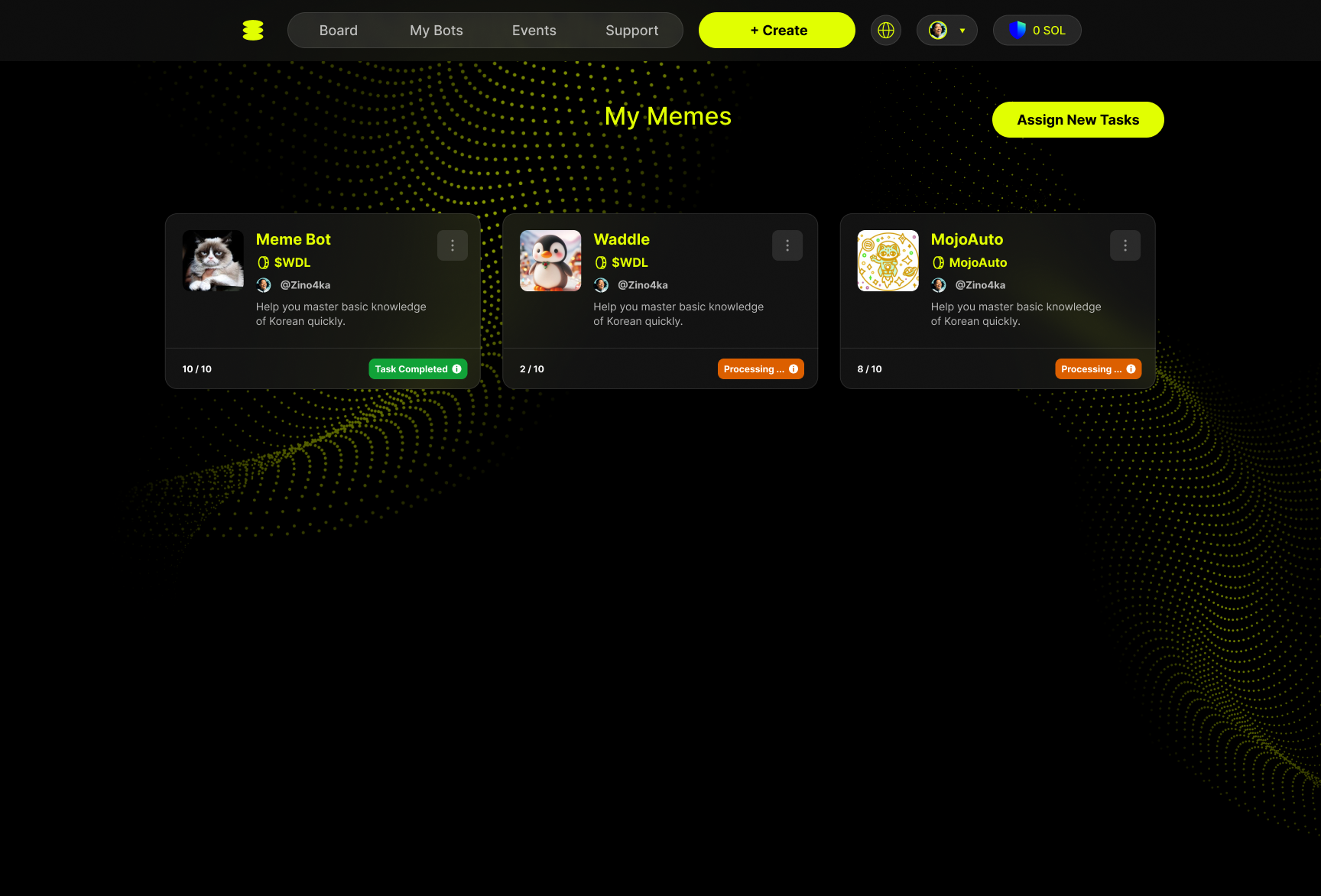
You can claim your AI Bot tasks on the following page! ✨🎊🎉
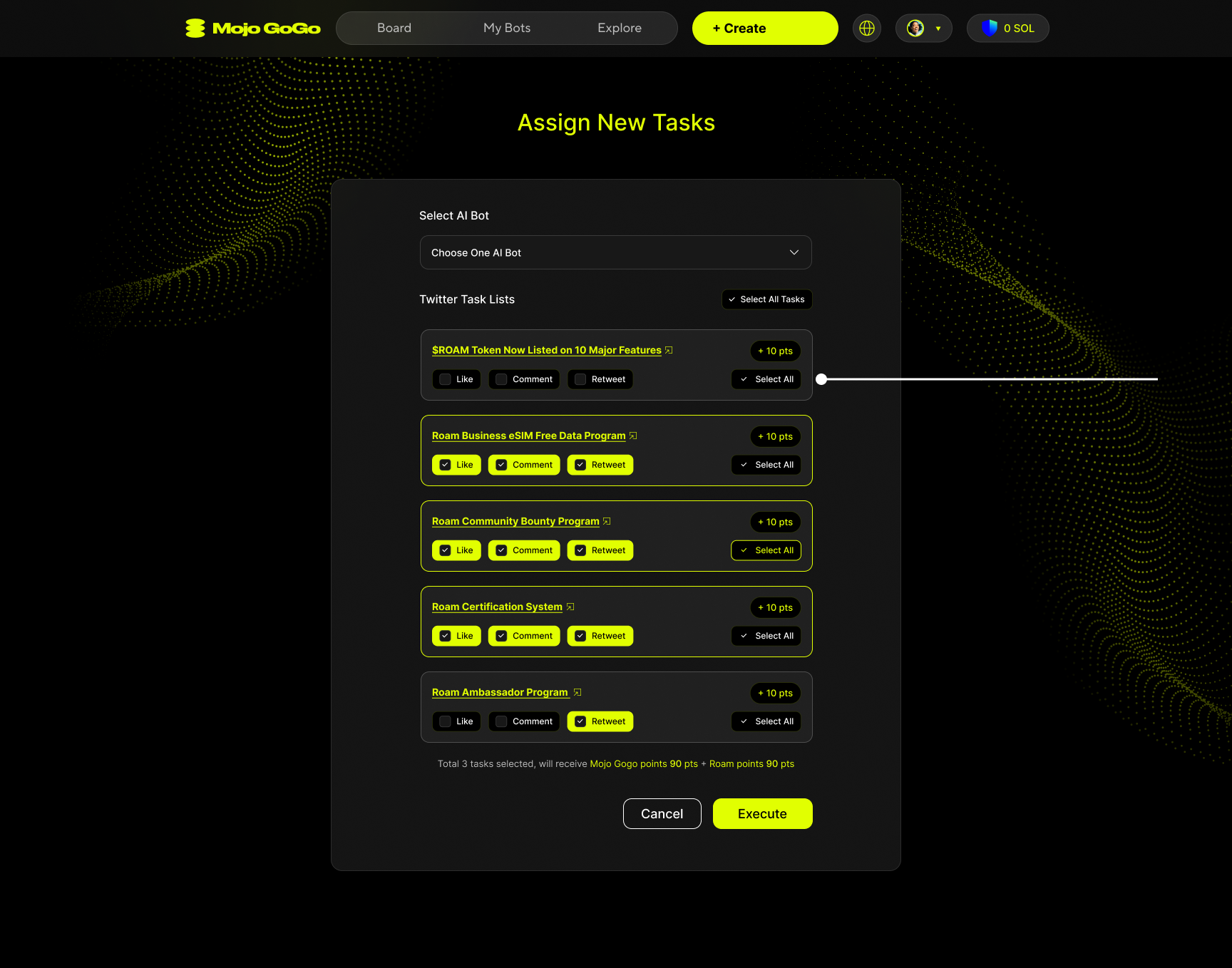
How to Assign Tasks
Step 1: Select AI Bot
Choose your preferred AI bot from the dropdown menu. Each bot may have different available tasks.
Step 2: Choose Twitter Task Lists
Browse through available Twitter tasks. Each task shows:
- Task Description: What the task is about (e.g., promoting token listings, business programs)
- Available Actions:
- 👍 Like - Like the specified tweet
- 💬 Comment - Leave a comment on the tweet
- 🔄 Retweet - Share the tweet with your followers
Step 3: Select Actions
For each task, you can choose which actions to perform:
- Select individual actions (Like, Comment, Retweet)
- Or use "Select All" to choose all available actions for maximum points
Example Tasks:
- ROAM Token Promotions - Help promote new token listings
- Business Programs - Support e-SIM and data programs
- Community Events - Participate in bounty and certification programs
- Ambassador Programs - Help spread awareness about platform initiatives
💬 Comment Task Process
When you select comment-related tasks, you'll go through a special review process:
Step 1: Review Comments
After selecting comment tasks, you'll be prompted to review the comments that will be posted.
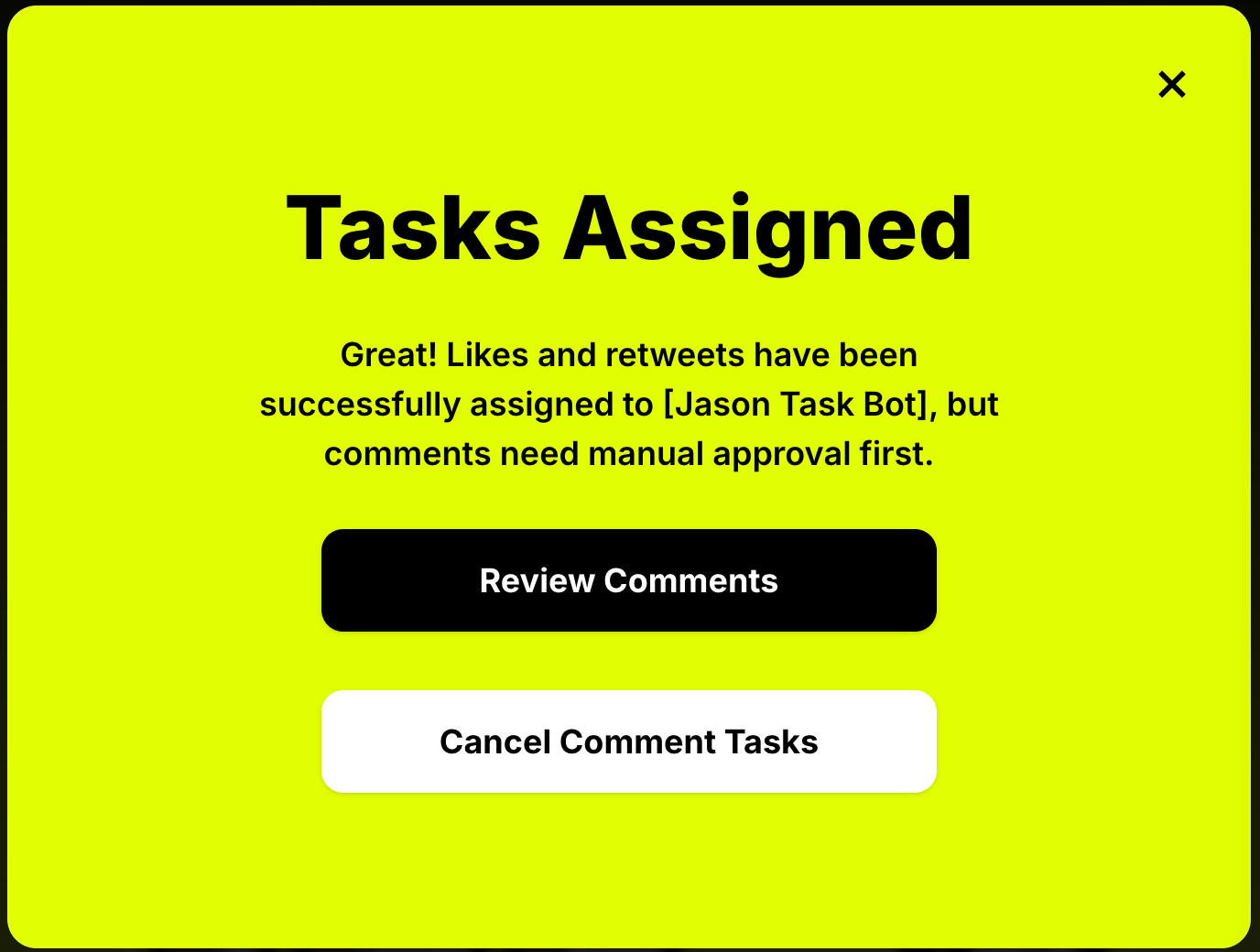
Step 2: AI Generates Comments
The AI will generate comments for your selected tasks. If you've claimed multiple comment tasks, the generation process may take some time.
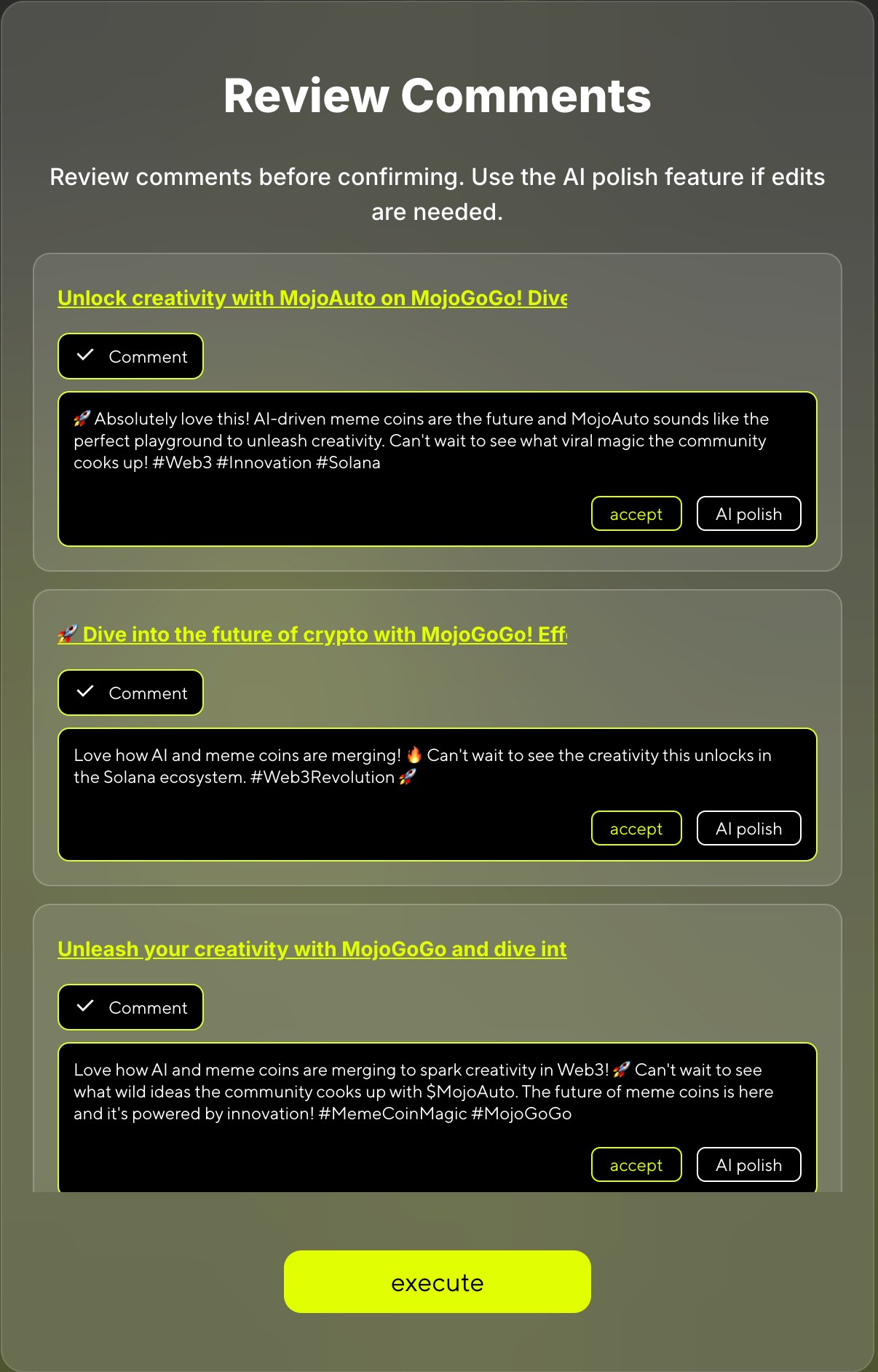
⏱️ Note: If you've claimed multiple comment tasks, AI comment generation may take some time. Please be patient.
Step 3: Polish Comments (Optional)
You can click "AI Polish" to regenerate comments with new prompts until you're satisfied with the results.
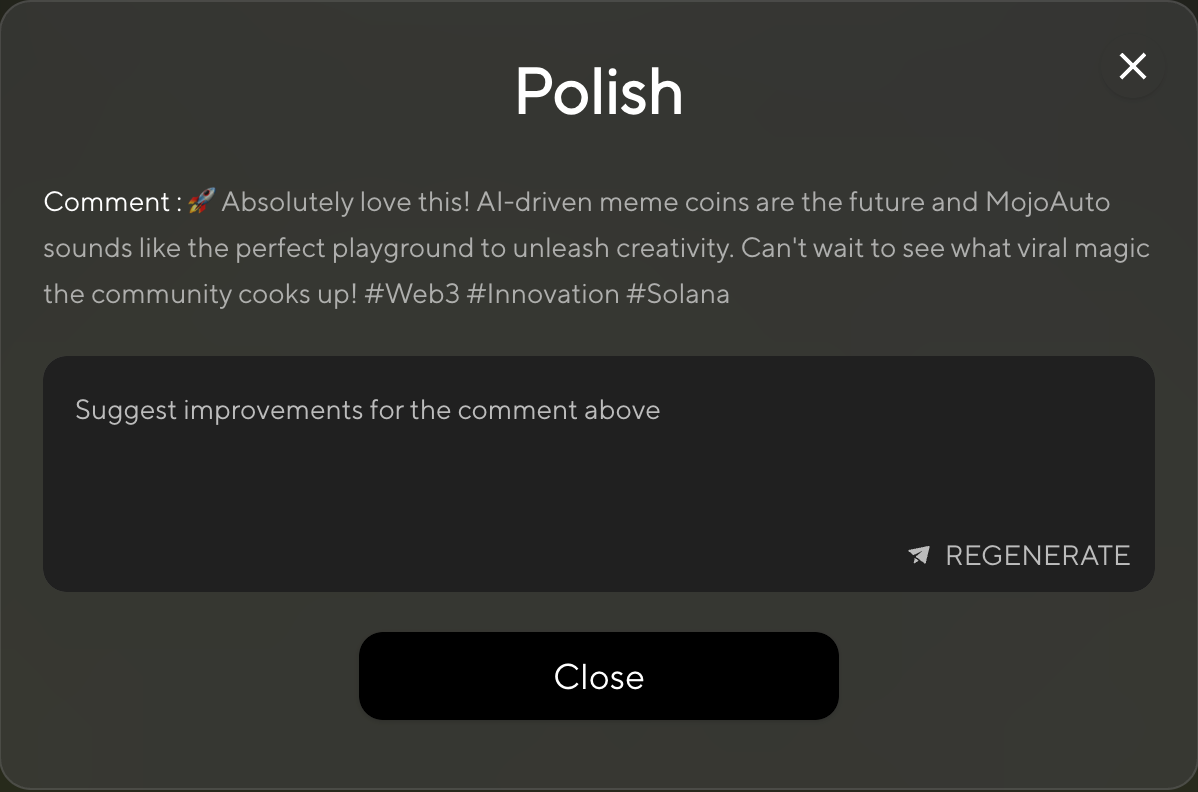
Step 4: Accept All Comments
You must accept all generated comments before you can proceed to execute the tasks.
Step 5: Execute Tasks
- Review your selections at the bottom (shows total tasks and expected points)
- Click "Execute" to start performing the selected tasks
- Your bot will automatically interact with the specified tweets
- Points will be credited to your account upon completion
💡 Pro Tip: Complete multiple tasks simultaneously to maximize your point earnings. Each successful interaction earns you Mojo Gogo points that can be used within the platform ecosystem.
2️⃣ Daily Quests
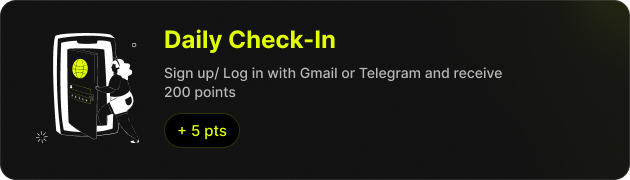
- Complete daily check-ins and other designated tasks
- Tasks reset each day, allowing for continuous point accumulation
3️⃣ Referral Rewards
- Share your exclusive invitation link
- Earn extra points when your friends register and complete tasks
Install Mojo Gogo to Home Screen
📌 Before You Start
Before you start, please make sure your phone meets the following requirements.
💡 Supported Device and Browser
- On Android, Firefox, Chrome, Edge, Opera, and Samsung Internet Browser all support installing PWAs.
- On iOS 16.3 and earlier, PWAs can only be installed with Safari.
- On iOS 16.4 and later, PWAs can be installed from the Share menu in Safari, Chrome, Edge, Firefox, > and Orion.
📱 Installation Steps
1️⃣ Open Mojo Gogo with Your Mobile Browser
Open https://mojogogo.ai/ with your mobile browser
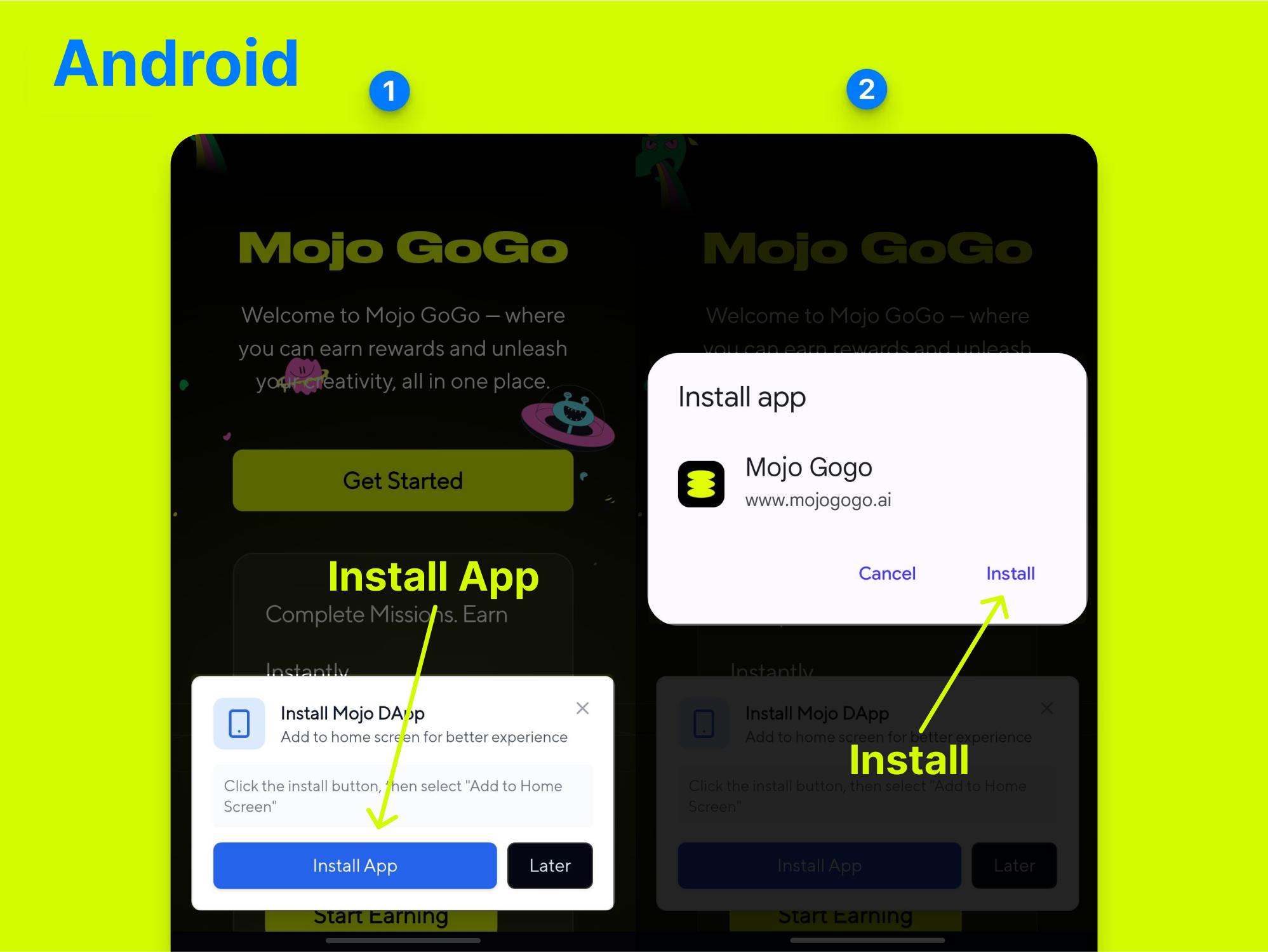
2️⃣ Add Mojo Gogo to Home Screen
For Android Users:
For iOS Users:
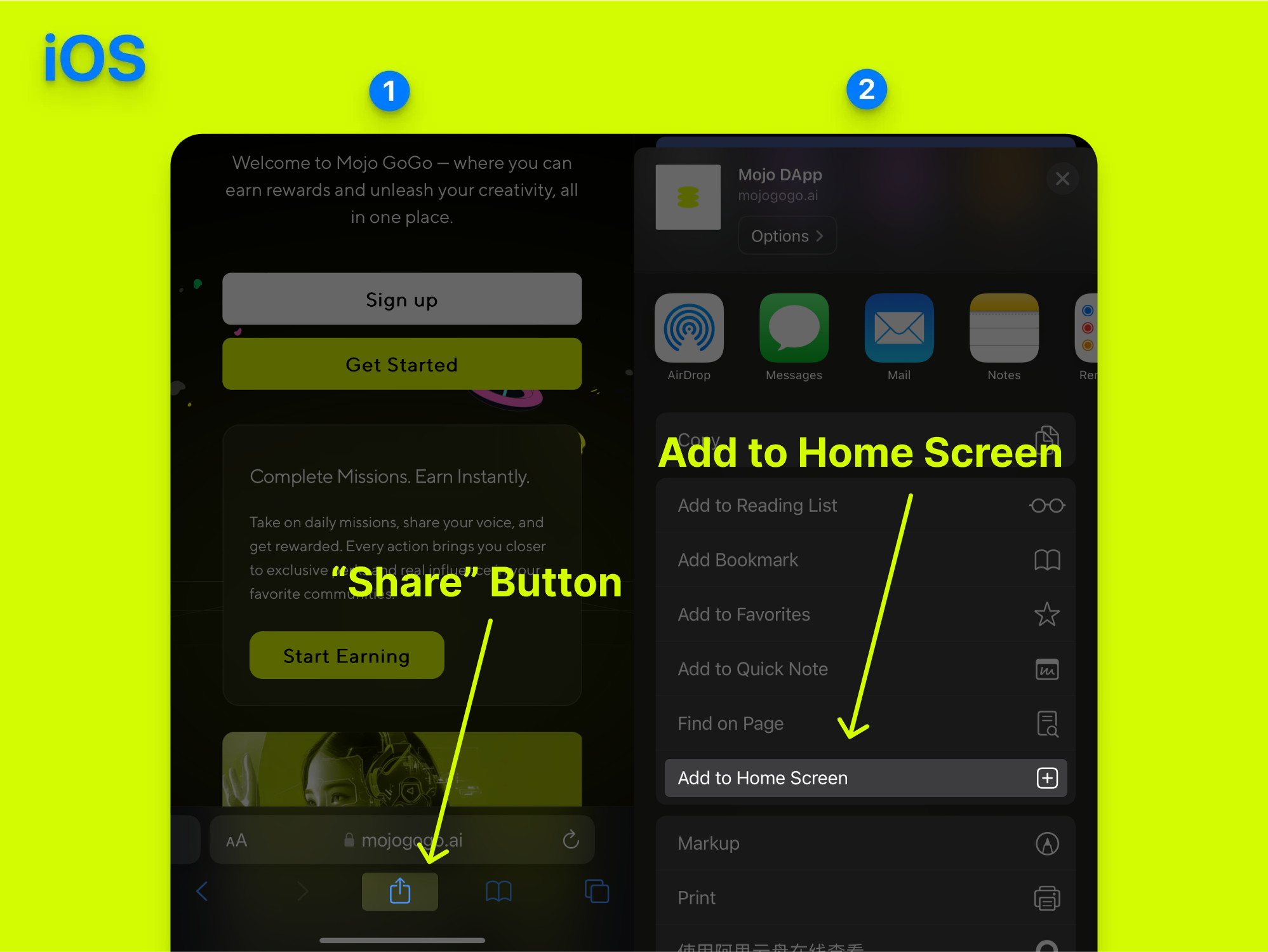
3️⃣ Open Mojo Gogo App from Your Mobile Home Screen
Once installed, you can open the Mojo Gogo app directly from your mobile home screen, just like a native app!
🎯 Benefits of PWA Installation
- Faster Access: Launch Mojo Gogo directly from your home screen
- Better Performance: Optimized for mobile devices
- Offline Capability: Some features work even without internet
- Native App Feel: Looks and feels like a regular mobile app
- No App Store Required: Install directly from your browser
🔧 Troubleshooting
If you encounter any issues during installation:
- Make sure your browser is up to date
- Check if your device meets the minimum requirements
- Try clearing your browser cache and cookies
- Ensure you have a stable internet connection